Epix (Gen 2)
The AMOLED sibling of the Fenix 7: same rugged build, bright colorful screen. Across the Pro sizes the resolution changes, which is exactly the kind of detail per-display tuning handles.
The display, per variant
The single most important fact about any Garmin for watch faces: what screen it has. AMOLED renders faces in full color; always-on display is the main battery decision.
| Variant | Display | Resolution | Character |
|---|---|---|---|
| Epix Pro 42 mm | AMOLED | 390 × 390 | bright AMOLED |
| Epix Gen 2 / Pro 47 mm | AMOLED | 416 × 416 | bright AMOLED |
| Epix Pro 51 mm | AMOLED | 454 × 454 | the largest round AMOLED |
Changing the face on the Epix (Gen 2)
Hold UP (the middle-left button), then select Watch Face, scroll, confirm with START. New faces come from the Connect IQ store app on your phone; the install guide covers that end, and the per-model switching guide covers every other Garmin.
Our faces on the Epix (Gen 2)
Ours, so we are biased; every claim below is verifiable on the store page.
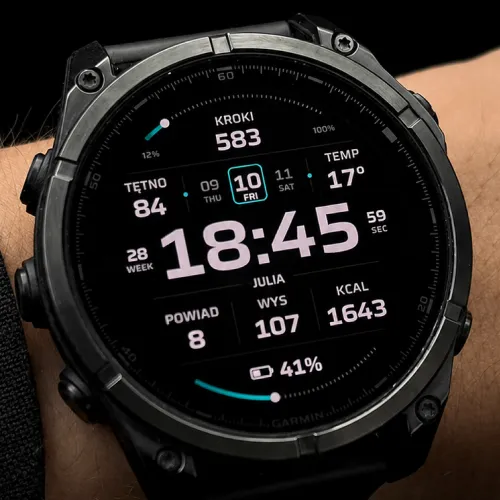
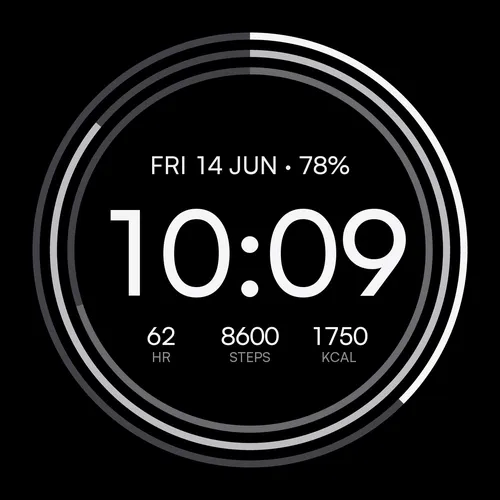
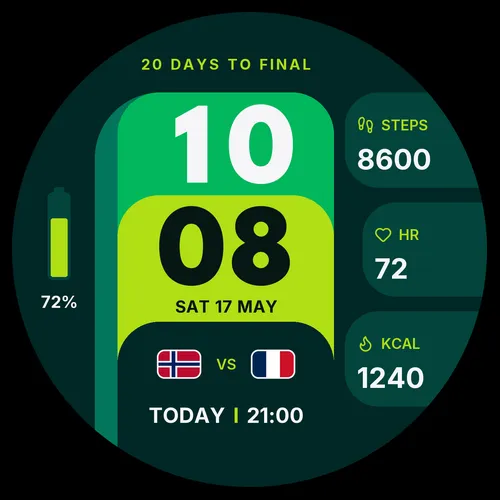
Beyond ours: the full catalogue for this watch lives in the Connect IQ store.
Frequently asked
Epix Gen 2 or Fenix 7 for watch faces?
Last verified: 2026-07-18 · SDK 9.1.0 device data + our face manifests