Know your Garmin better.
Short, practical reads about Garmin watches and watch faces, verified in the official Connect IQ simulator or on a real wrist before they ship.
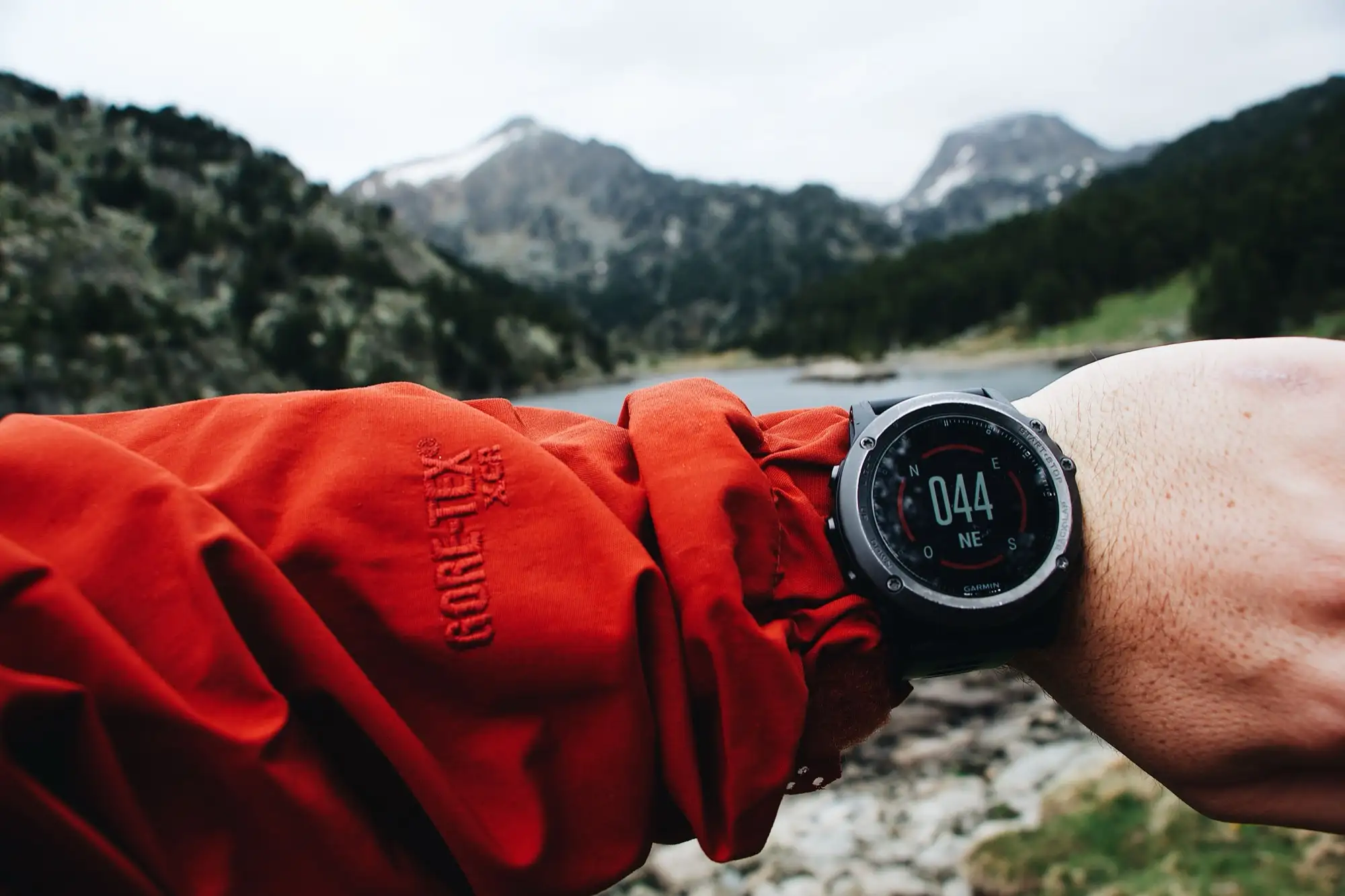
Garmin Fenix 9: what Garmin actually announced
Announced 25 August 2026. The prices and battery figures Garmin published, what is being repeated without a source, and whether your watch faces follow you onto it.
Stories
All stories →AMOLED vs MIP: the two screens Garmin refuses to choose between
Why Garmin still sells both in 2026, what actually differs (color, sun, battery, always-on), and how to pick the screen that fits how you use a watch.
Why your Garmin lasts weeks when your smartwatch lasts a day
The unglamorous engineering behind Garmin battery life, the display, the chip, doing less, and where your watch face actually fits in.
The quiet rise of the budget AMOLED Garmin
The most interesting Garmin story is not the Fenix. It is the cheap, bright AMOLED watches where most people, and most watch faces, actually live.
New Garmin watches in 2026: what has shipped and what is coming
Forerunner 70 and 170 shipped in May, the Fenix 9 is expected in the fall window, and Enduro 4 plus a CIRQA band have left traces in code. The 2026 scorecard, updated as news lands.
Why every watch ad shows 10:09 (ours included)
The sad-face era of 8:20, the smile that sells, the research behind it, and the honest reason every render on this site reads ten past ten.
How-tos
All how-tos →How to change your Garmin watch face, on every model
One long press opens the face switcher, but which press depends on the model. The per-family table (Fenix, Forerunner, Venu, Vivoactive, Instinct and more), plus how to add new faces.
How to customize your Garmin watch face (built-in and Connect IQ)
Built-in faces are customized on the watch, store faces on the phone. Both paths step by step, and why the option you are hunting for on the wrist usually lives in the app.
How to remove a watch face from your Garmin
Switch away from the face first, then uninstall from the Connect IQ app, Garmin Connect or Garmin Express. What cannot be deleted, and why paid faces are never lost.
How to install a Connect IQ watch face on your Garmin
The store for third-party faces lives in a separate phone app. Search, install, sync: the exact steps, plus what to do when an install refuses.
Garmin watch face settings are on your phone: here is where
Connect IQ face settings are not in the watch menus. The four-tap path in the Connect IQ app, what the on-watch Customize menu can do, and fixes when settings will not open.
Fixes
All fixes →Garmin Connect IQ app not syncing: how to reconnect it
Connect IQ borrows its Bluetooth link from Garmin Connect, and that is where it breaks. The seven-step fix sequence, the known no-device glitch, and the USB fallback.
Your Garmin watch face changed by itself: causes and the way back
Battery saver, an update, a crash or an accidental long press: the four reasons a Garmin swaps faces on its own, and the ten-second way back to yours.
Garmin watch face not installing: the full checklist
Five causes cover practically every refused install: connection, restart, storage, stale software, a stuck queue. Each with a two-minute fix.
Garmin shows IQ! instead of your watch face: what it means and how to fix it
The IQ! triangle is a crashed Connect IQ face, not a broken watch. The three fixes that solve nearly every case, and the memory-limit story behind it.
Explainers
All explainers →Do Connect IQ watch faces drain your Garmin battery?
A well-built face redraws once a minute and costs almost nothing. The four real battery costs, ranked, and the one-day test that settles it.
Weather on your Garmin watch face: how it works and why it stops
The temperature travels phone to watch, and every hop can fail. The data path, the fix sequence for stale weather, and what MET Norway is.
What is Garmin Connect IQ? The five-minute explainer
Garmin’s app platform in five minutes: faces, data fields, widgets and apps, the Connect vs Connect IQ split, and the memory limits worth knowing.
How buying a paid Garmin watch face works (payment, account, refunds)
Card checkout inside the Connect IQ app, a license tied to your account, and a 48-hour refund window. What you own after tapping Buy, from a studio that sells there.