Forerunner 265
The runner’s AMOLED default. Two sizes with different resolutions, which is exactly the kind of detail that separates faces designed per display from faces stretched to fit.
The display, per variant
The single most important fact about any Garmin for watch faces: what screen it has. AMOLED renders faces in full color; always-on display is the main battery decision.
| Variant | Display | Resolution | Character |
|---|---|---|---|
| 265 (46 mm) | AMOLED | 416 × 416 | bright AMOLED |
| 265S (42 mm) | AMOLED | 360 × 360 | smaller dial, own layout tuning needed |
Changing the face on the Forerunner 265
Hold UP (the middle-left button), then select Watch Face, scroll, confirm with START. New faces come from the Connect IQ store app on your phone; the install guide covers that end, and the per-model switching guide covers every other Garmin.
Our faces on the Forerunner 265
Ours, so we are biased; every claim below is verifiable on the store page.
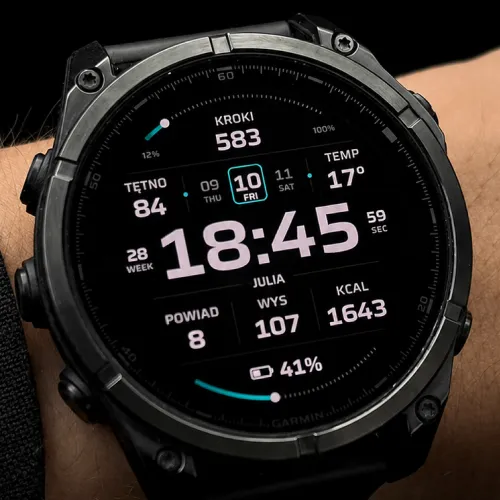
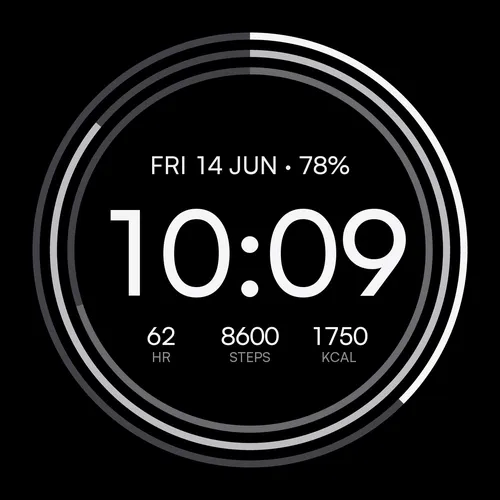
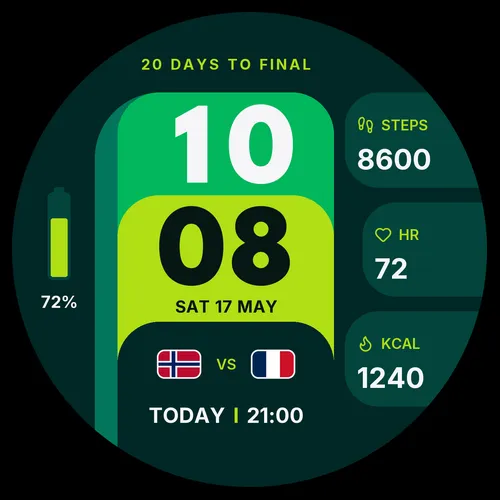
Beyond ours: the full catalogue for this watch lives in the Connect IQ store.
Frequently asked
Will a data-heavy face slow my Forerunner 265 down?
Last verified: 2026-07-18 · SDK 9.1.0 device data + our face manifests