Venu 2
The AMOLED lifestyle Garmin that put bright, colorful faces on a lot of wrists. Two sizes plus the button-heavy 2 Plus, all running the same face experience.
The display, per variant
The single most important fact about any Garmin for watch faces: what screen it has. AMOLED renders faces in full color; always-on display is the main battery decision.
| Variant | Display | Resolution | Character |
|---|---|---|---|
| Venu 2 (45 mm) | AMOLED | 416 × 416 | bright AMOLED |
| Venu 2 Plus (43 mm) | AMOLED | 416 × 416 | AMOLED, three buttons |
| Venu 2S (40 mm) | AMOLED | 360 × 360 | smaller dial, own layout tuning |
Changing the face on the Venu 2
Hold the touchscreen, then select Watch Face, swipe, tap to apply. New faces come from the Connect IQ store app on your phone; the install guide covers that end, and the per-model switching guide covers every other Garmin.
Our faces on the Venu 2
Ours, so we are biased; every claim below is verifiable on the store page.
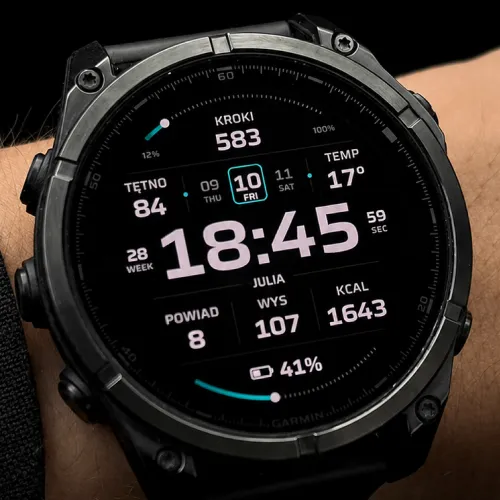
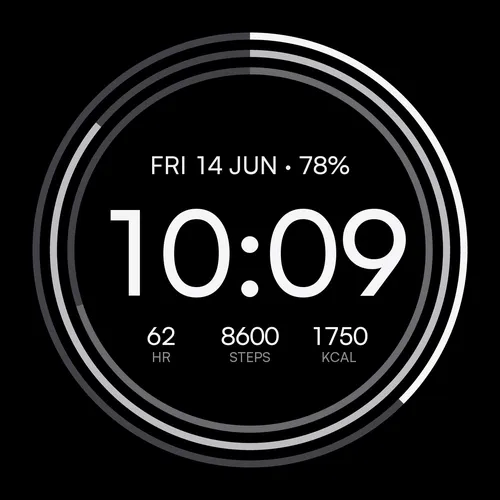
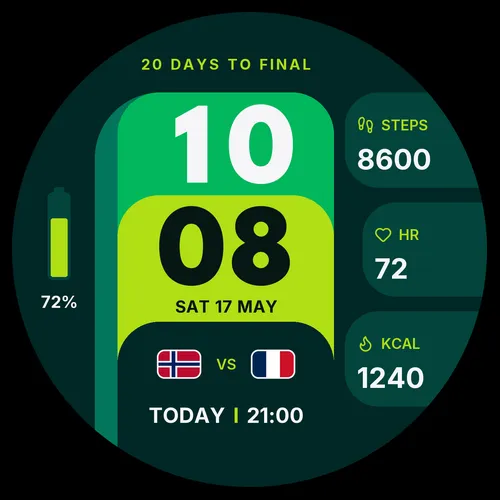
Beyond ours: the full catalogue for this watch lives in the Connect IQ store.
Frequently asked
Where do I change a Connect IQ face’s settings on the Venu 2?
Last verified: 2026-07-18 · SDK 9.1.0 device data + our face manifests