Venu 3
Garmin’s big lifestyle AMOLED. Two sizes, the same face experience on both, and one of the most popular homes for our faces.
The display, per variant
The single most important fact about any Garmin for watch faces: what screen it has. AMOLED renders faces in full color; always-on display is the main battery decision.
| Variant | Display | Resolution | Character |
|---|---|---|---|
| Venu 3 (45 mm) | AMOLED | 454 × 454 | large bright AMOLED |
| Venu 3S (41 mm) | AMOLED | 390 × 390 | same pixel density, smaller dial |
Changing the face on the Venu 3
Hold the bottom button, then select Watch Face, swipe through the carousel, tap to apply. New faces come from the Connect IQ store app on your phone; the install guide covers that end, and the per-model switching guide covers every other Garmin.
Our faces on the Venu 3
Ours, so we are biased; every claim below is verifiable on the store page.
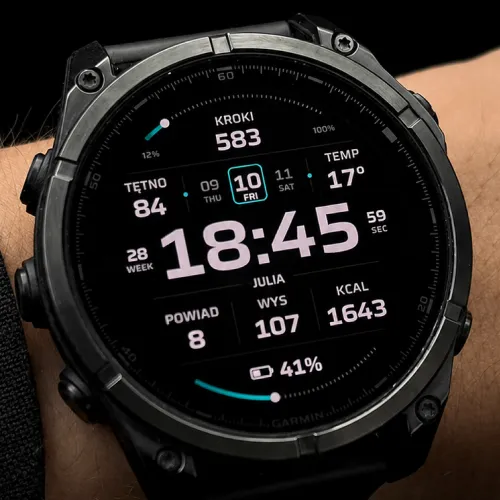
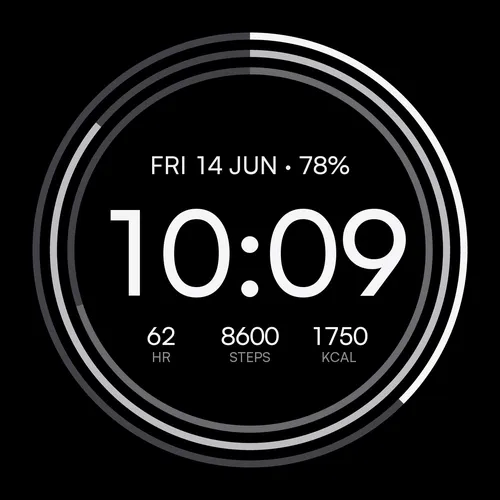
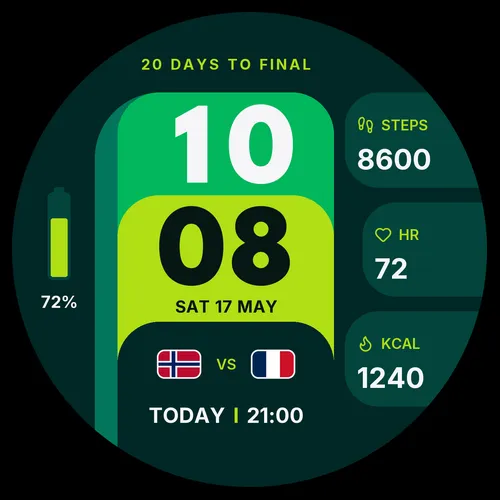
Beyond ours: the full catalogue for this watch lives in the Connect IQ store.
Frequently asked
Where are the settings for a face I installed on my Venu 3?
Does always-on display make sense on the Venu 3?
Last verified: 2026-07-18 · SDK 9.1.0 device data + our face manifests